Voice and video calls
One-to-one calls, encrypted between the two phones, with an option to hide your IP address.
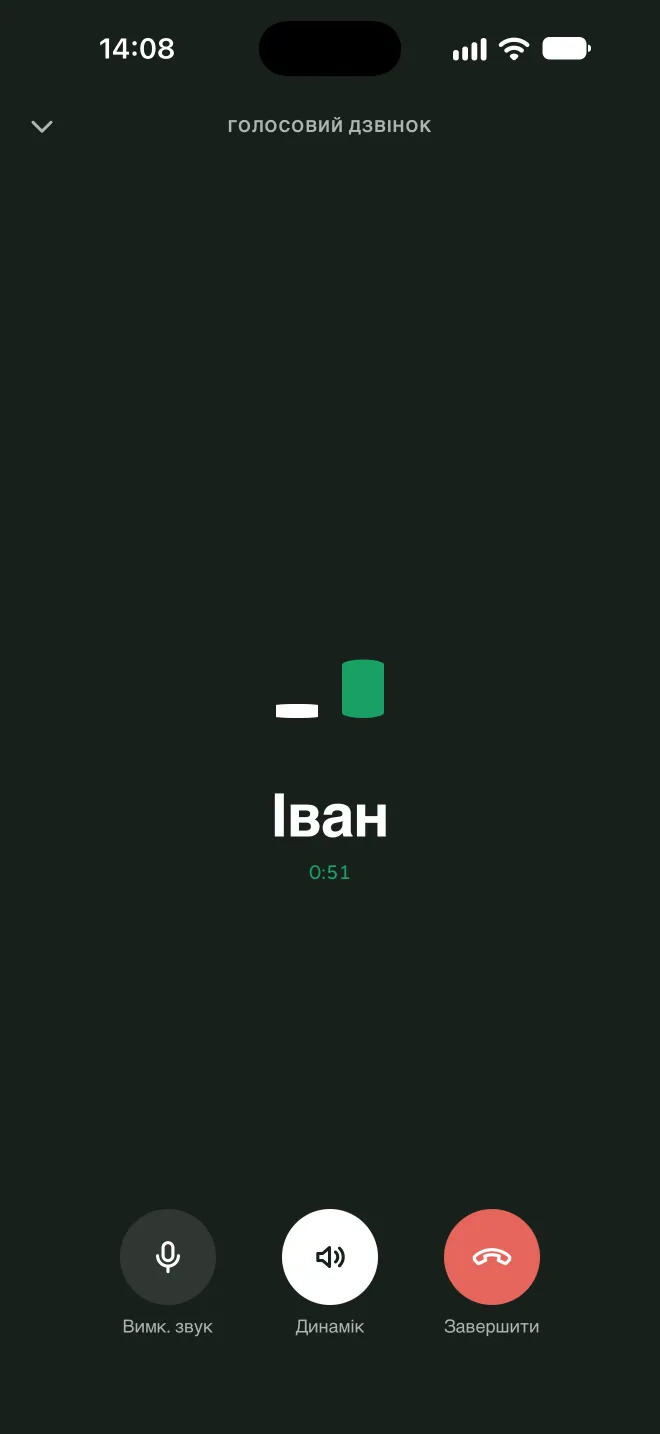
Make a call
Tap the phone button at the top of a conversation for a voice call, or the camera button for a video call. Calls are one-to-one; your call history is in the Calls tab. Knock needs microphone access for calls, and camera access for video.
Video
You can answer a video call with your camera off, and turn the camera on or off at any point in the call. A voice call can become a video call too: the other person gets a request, and their camera stays off until they turn it on themselves.
While Knock is in the background your camera is paused, and the other person sees that it's off. The call's audio carries on.
Who can call you
By default only your contacts — people you've written to — can call you. Change it in You → Privacy → Who can call me: everyone you have a chat with, your contacts, or nobody.
Call privacy
Call audio is encrypted between the two phones: Knock's server connects the call but can't listen, and calls are never recorded.
A direct call can reveal your IP address to the other person. Turn on Always relay calls in You → Privacy to route your side through Knock's relay server instead. Calls may sound a little less immediate.