Adding people
Find friends by exact username or with a Knock Code — Knock has no public directory.
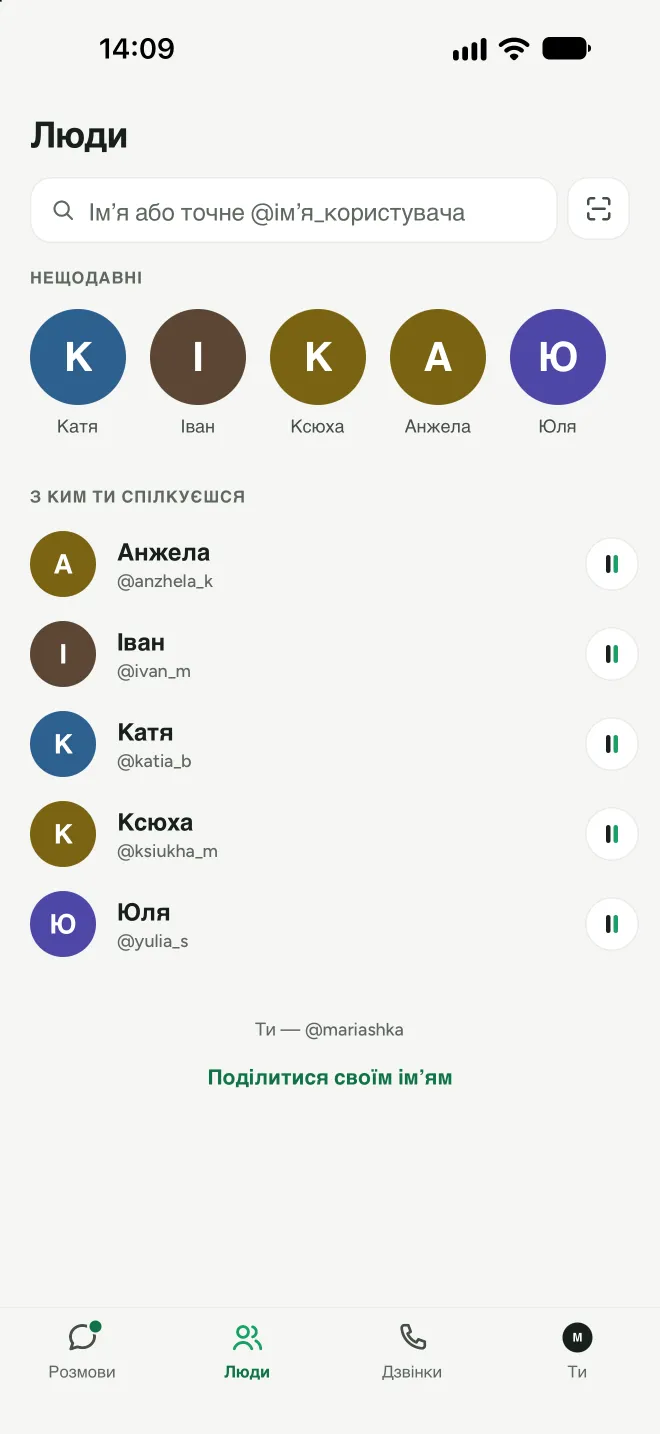
Knock has no public directory, no "people you may know" and no contact upload, so there are two ways to find someone.
By username
Open People and type their exact @username. Knock doesn't suggest similar names or list other users — if someone isn't found, check the spelling with them. Open their profile and tap Message to start a conversation.
By Knock Code
Your Knock Code is a personal QR code in You → My Knock. To add someone in person, tap the scan button in People and point it at their code. You can also share your code as a link.
The code only shows your public profile — your username, name and photo. If it gets around further than you'd like, reset it in the same place: the old code stops working at once.